
Video Frame Extractor
Extract frames from video online for free — capture any exact moment and save high-quality images in seconds.
Drop video file, or browse
Frame extraction happens inside your browser.
Frames are extracted in video's resolution.
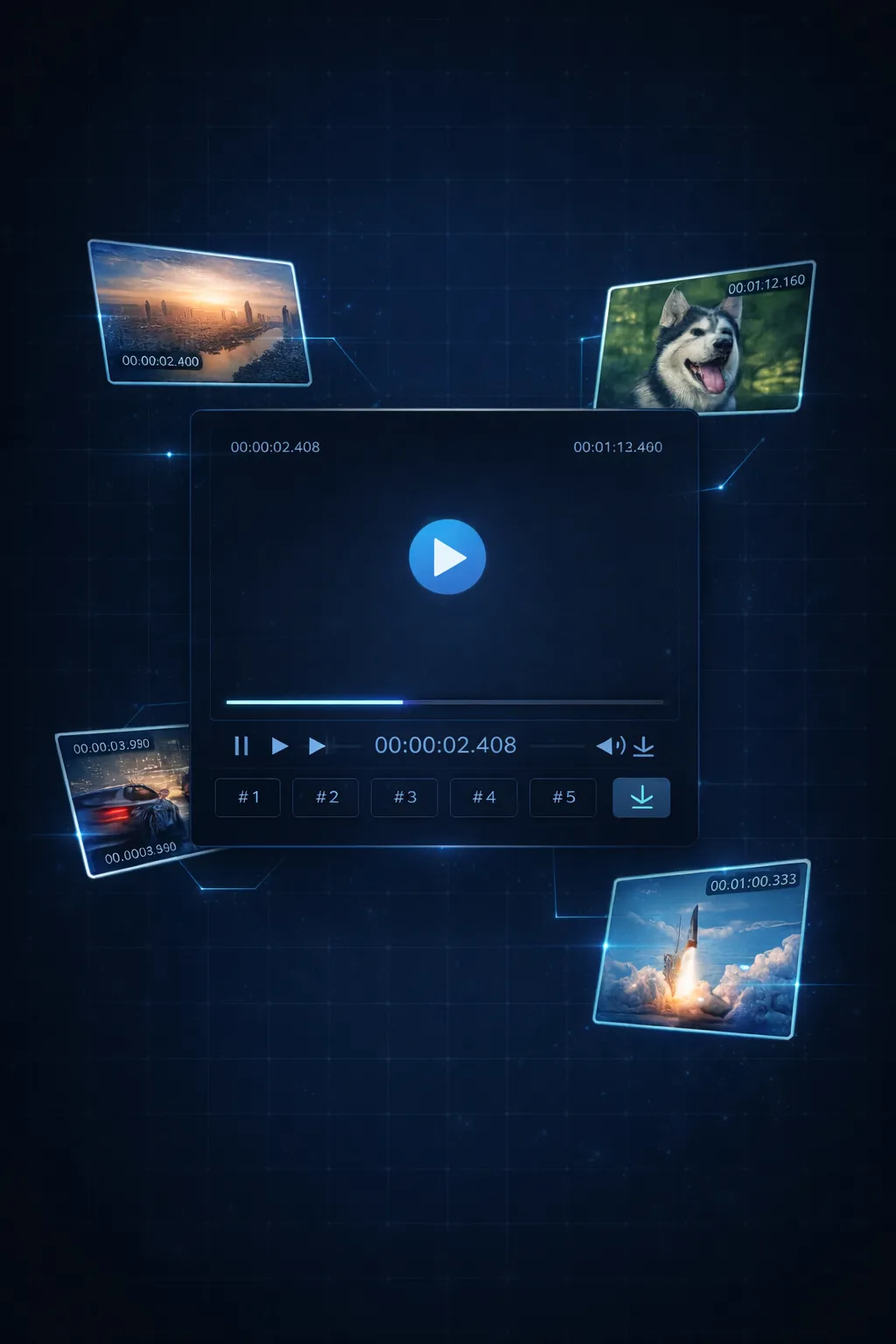
What Video Frame Extractor Does for You
You have the footage. Video Frame Extractor pulls out the exact frames you need — sharp, full-resolution, ready in seconds.
- Millisecond-Precise Frame CapturePause at the right moment, set your interval, and pull the exact frame you need — down to the millisecond. No more guessing, no more screenshots.
- Batch Extract & ZIP DownloadExtract 10, 50, or 100 frames at once. Download them individually or grab everything in one ZIP file — no clicking through one by one.
- Your Video Never Leaves Your ComputerYour video stays on your machine — nothing gets uploaded, nothing leaves your browser. Zero privacy risk.
- No Sign-Up, No Install, No CostOpen the page, drop your video, extract frames. No account required, no software to download, no hidden fees. Just a browser.
Why Users Choose Video Frame Extractor
You don't need video editing software or technical skills. Just a browser and your video file.
How Video Frame Extractor Works — 3 Steps
From video file to saved frames — here's how Video Frame Extractor works:
Drop Your Video
Drag a video file onto the page or click to browse. MP4, WebM, MOV, AVI — any format your browser supports.
Set Your Parameters
Choose how many frames to extract, the interval between them, and where to start. Use the video player to set your exact starting point.
Extract & Download
Hit Extract. Video Frame Extractor pulls each frame at full resolution. Download them one by one or grab the whole batch as a ZIP.
What Powers Video Frame Extractor
Under the hood: the technology that makes Video Frame Extractor fast and precise.
Millisecond Time Precision
Video Frame Extractor uses the browser's native Video API to seek to exact timestamps. Frame intervals as small as 1ms are supported.
Original Resolution Output
Frames are extracted at your video's native resolution — no downscaling, no compression. What you filmed is what you get.
Custom Start Point
Leverages the HTML5 Video API's currentTime property for frame-accurate seeking. Extraction starts from any arbitrary position in the timeline.
PNG High-Quality Export
Every frame exports as a lossless PNG. No JPEG artifacts, no quality loss. Suitable for print, design, or further editing.
One-Click ZIP Batch Download
Uses JSZip to bundle all extracted PNGs into a single compressed archive. One download, all frames — no repeated save dialogs.
All Major Video Formats
MP4, WebM, MOV, AVI, MKV — Video Frame Extractor supports any video format your browser can play. No conversion needed.
Video Frame Extractor by the Numbers
Built for speed, privacy, and simplicity.
< 5s Average Extraction Time
Average Extraction Time
100% Browser-Based Processing
Browser-Based Processing
0 bytes Uploaded to Servers
Uploaded to Servers
Frequently Asked Questions
Quick answers about Video Frame Extractor — what it does, how it works, and what it costs (nothing).
Start Extracting Frames Now
Drop your video and pull the exact frames you need. Free, private, instant.